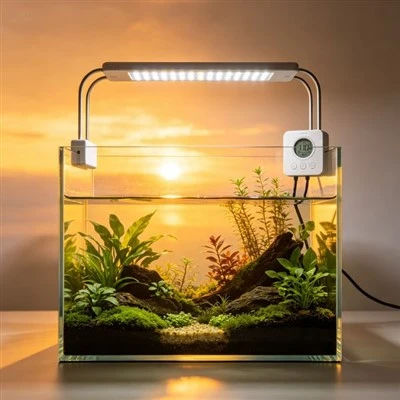
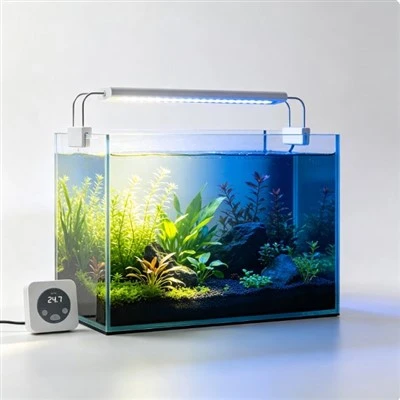
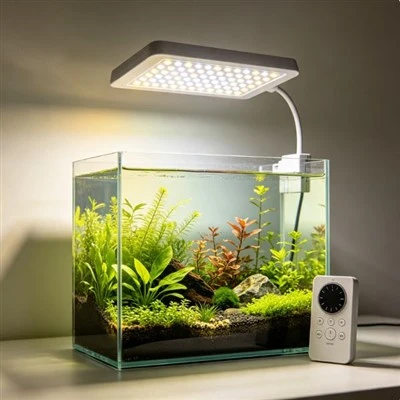
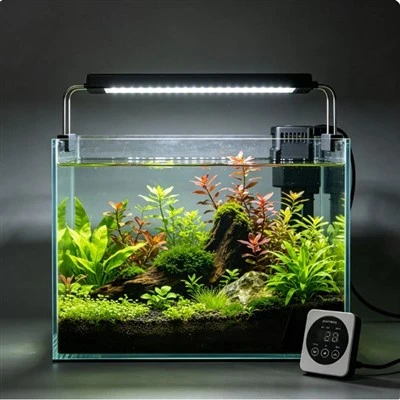
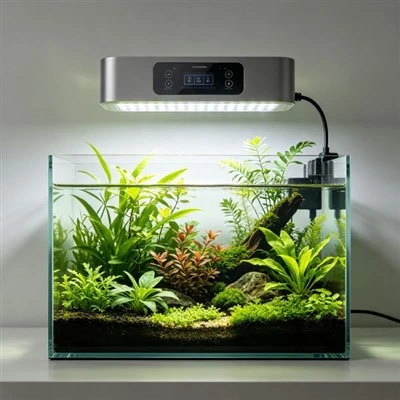
At 9 p.m., an aquarium begins its programmed sunset. The blue channel is fading gently when the entire fixture suddenly goes dark, then returns the next morning in an unexpected state. Nothing is necessarily wrong with the LEDs. A smart plug may have removed power at the same moment that the lamp's internal controller was still running its scene. To the owner, there was one schedule. To the system, two independent clocks issued different commands, and the last command that affected the power path won.
Modern aquarium lighting can accumulate control layers quietly. The fixture may store a program in local memory. A phone app may keep an automation in the device, a bridge, or a cloud service. A wall timer or smart plug can disconnect mains power. A home automation platform may send another command, and a second household member may have shared access. Each layer can appear correct when viewed alone. The conflict becomes visible only when their event lists, clocks, permissions, and power effects are considered together.
The fastest diagnosis starts with an inventory, not random schedule edits. Write down every device and account that can switch, dim, restore, or reset the light. Include the lamp controls, phone apps, hubs, smart speakers, plugs, wall timers, and any "away" or energy-saving routines. For each one, note where its schedule is stored, which time source it follows, and whether it sends a brightness command or cuts power. Screenshots help because an automation that looks disabled on one account may remain active elsewhere.
Next, identify the normal authority. In many installations, the fixture's approved controller is the best place for a gradual sunrise and sunset because it can manage channels while remaining powered. In another documented system, a central controller may be intended to lead. The correct choice comes from the manufacturer's instructions and the owner's needs, not from a universal rule. Once one layer is chosen, disable duplicate events elsewhere rather than merely shifting them a few minutes apart. Hidden redundancy tends to return after a clock correction or manual override.
A full-day observation is more useful than checking the setting screen for thirty seconds. Confirm the current displayed time, the next scheduled transition, and the state of each external switch. Watch or log the sunrise, a midday change, sunset, and final off condition. Then confirm the next morning's recovery. If the system depends on internet access, also understand its documented behaviour after a network interruption. A schedule that works while a phone is present but fails when it leaves the house has not yet been fully characterized.
Power interruption deserves special attention. Some fixtures keep time through an outage, some obtain time again when they reconnect, and some may start in a default or last-used state. A mains smart plug can prevent a local controller from completing a fade, receiving an update, or maintaining its clock. It can also produce repeated startup events that were not part of the fixture's intended daily control method. If the manufacturer warns against switched-mains control, do not use a smart plug to override that guidance simply because the plug has a convenient calendar.
Manual commands can look like schedule conflicts too. A child presses a controller button, a guest uses a voice assistant, or an owner changes intensity from a second phone. Some systems treat the manual value as temporary until the next event; others may hold it, edit the active scene, or require a return-to-schedule command. Support documentation should explain that behaviour. During diagnosis, note what happened immediately before the unexpected change rather than assuming the clock acted alone.
Shared accounts introduce another ordinary household problem. One person may rename a scene while another retains an old automation linked to it. A previous phone can remain authorized, or a home platform can restore an automation from backup. Review authorized users and integrations through the approved interface, remove access that is no longer needed, and use clear routine names such as "Main Tank Daily" rather than several versions called "Schedule 1." This is practical account and automation management; the aim is to make active control paths visible.
Manufacturers can prevent much of the confusion. An effective control system shows whether a schedule lives in the fixture, phone, hub, or cloud; displays the active time zone; lists the next event; records recent commands; and warns when another layer removes power. Importing or duplicating a program should create a clearly named copy, not an invisible second automation. Reset and outage behaviour belongs in the manual. These features reduce support calls because users can see who told the light to change and when.
Once the system behaves correctly, preserve a simple record of the chosen controller, daily program, time zone, shared users, and any external power device. Recheck it after app migration, router replacement, travel, or a seasonal clock change. Consistent aquarium lighting comes less from adding automation than from giving one understood schedule clear authority. When the light surprises you, do not begin by changing every time field. Find every clock and command path, remove the duplicates, and let one documented routine tell the day.
Recent-command history is particularly valuable during support. A log can show that the lamp received "set 60 percent" from the local schedule, followed seconds later by "power off" from a plug or shared account. Timestamps, source names, and time zone should be clear, while personal data and retention are handled appropriately. When a detailed log is unavailable, owners can create a simple paper timeline and temporarily disable one approved automation at a time. Factory reset should be a last documented step because it can erase the conflicting evidence and all known-good settings. Diagnosis improves when each command remains attributable, reversible, and tested through one normal cycle.