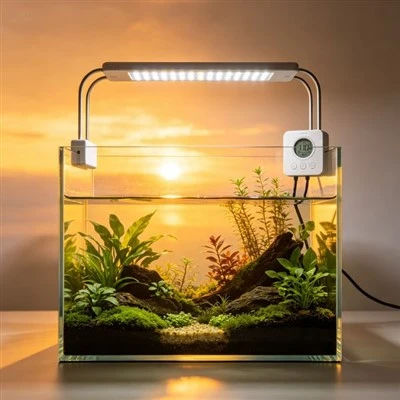
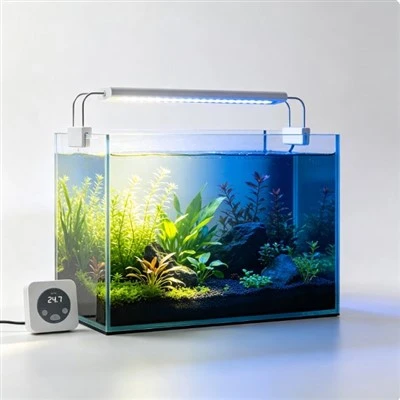
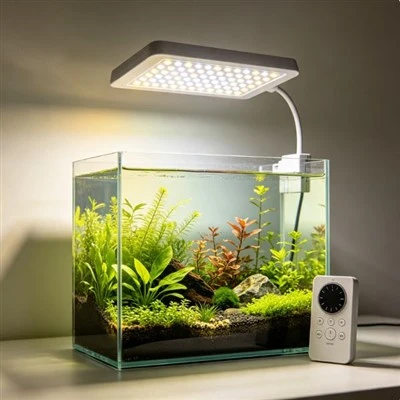
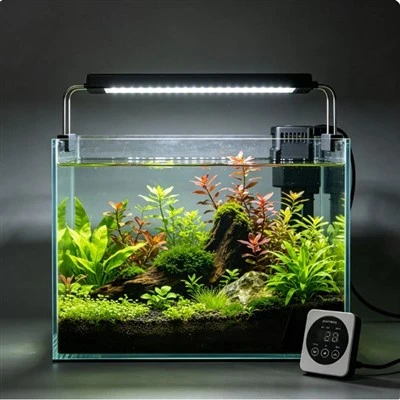
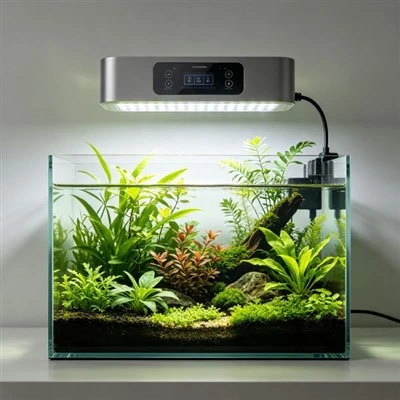
Handling an Intermittent Aquarium-Light Fault That Disappears during Support
An aquarium light flickers at home, yet it behaves perfectly as soon as a support call begins. That does not mean the customer imagined the problem, and it does not prove a defective fixture. Intermittent events depend on conditions that a short call may not reproduce: elapsed operating time, cable position, control state, supply behaviour, temperature, moisture history, network activity, or another device. Good support protects the user first and then turns a disappearing symptom into a time-stamped record.
Screen immediately for danger. Ask whether the product is wet or visibly damaged, unusually hot, smoking, emitting a burning smell, repeatedly operating a protective device, or associated with damaged wiring. If so, tell the customer to stop using it and follow the safe disconnection and escalation route appropriate to the situation and instructions. Do not begin a video experiment on suspect mains-powered equipment. Safety takes priority over capturing the fault.
If there is no immediate warning, identify the complete setup. Record the exact light model and batch or serial information, approved power supply, controller and firmware where applicable, connected accessories, mounting arrangement, and normal operating program. "It flickers in the evening" becomes more useful when paired with the exact channel state, time, power source, room condition, and whether the event follows feeding, cleaning, a timer transition, or several hours of operation.
Preserve existing settings before changing them. Screenshots or an exported schedule can show time zone, ramp periods, channel levels, and recent edits. Photograph cable and connector positions without encouraging the customer to open protected parts. Ask for a short video only if it can be made safely; include the product and controller indicators, not just the aquarium. A timestamp matters because support can compare the event with scheduled transitions, outages, or logged app behaviour.
One useful tool is an event diary. Each occurrence gets a row for date and time, duration, visible symptom, operating mode, preceding action, room condition, and recovery. A shutdown after roughly three hours on warm afternoons suggests a different investigation from a single flash whenever a loose external connector is moved. Patterns do not prove a cause, but they help technical staff choose an appropriate check instead of asking the customer to reset everything repeatedly.
Only suggest external checks permitted by the manufacturer's instructions and support procedure. Confirm connectors that the user is expected to handle, compare the supplied control state, or try an approved local control if that is part of normal operation. Change one thing at a time and record it. Do not instruct the customer to open a driver, probe voltage, bypass protection, substitute an unapproved supply, defeat a seal, or repeatedly recreate overheating.
Imagine a light that shuts down after several hours but restarts when cool. A ten-minute video call shows normal operation, so a careless response closes the case. A structured record reveals that every event occurs near the same elapsed time with the same power supply and high-output program. The evidence still does not identify the failed component, but it justifies qualified engineering assessment and prevents "could not reproduce during call" from being mistaken for resolution.
Support should define escalation and closure. Recurring cases, safety-relevant symptoms, or patterns shared by a batch need the complete record transferred to trained technical personnel. Replacement may be appropriate under policy, but retain the original symptom, configuration, and returned condition for analysis. If a setup or schedule issue is found, document the correction and confirm that the customer's intended routine is restored. Do not erase a report simply because the lamp works once after a reset.
Environmental context should be gathered without asking the customer to perform risky tests. Room temperature, enclosure or canopy use, ventilation clearance, nearby steam or condensation, and recent cleaning can be described and photographed from a safe distance. A light operating inside an unapproved enclosed hood presents a different question from one in open air. These observations help compare the installation with documented limits, but support should avoid diagnosing an internal thermal or electrical cause remotely.
Communication needs precise uncertainty. Say "the fault did not occur during this call" rather than "the product is fine." Explain which evidence supports the next step and what warning signs require immediate stop. Give the customer a case number and a copy of the agreed settings or checks so future contacts do not begin from zero. If monitoring continues, define a reasonable period and stop condition; the customer should not be asked to keep suspect equipment operating simply to capture better video.
Across cases, analyse frequency using the number of products and time in service, not raw complaint count alone. Group by model, revision, supply, firmware, environment, and symptom pattern while respecting privacy. Several events at the same elapsed operating time may justify a controlled laboratory reproduction by qualified engineers. The field record guides that work, but the laboratory should use approved setups and preserve its own conditions. Closing the loop may lead to product, firmware, instruction, or support changes.
Replacement decisions should also preserve compatibility. If the approved remedy supplies a new power unit, controller, or fixture revision, verify that the remaining components and app support match it. Record what the customer was told to stop using and what should be returned. A fast shipment is helpful only when it does not create a mixed system whose future behaviour is harder to understand.
Intermittent faults are manageable when absence is treated as information, not proof. A safe screening, exact product identity, preserved settings, time-stamped event history, limited permitted checks, and clear escalation path allow support to work with conditions that come and go. The goal is not to make the light fail on camera. It is to collect enough reliable context to protect the customer and let the responsible team decide what the evidence can-and cannot-show.