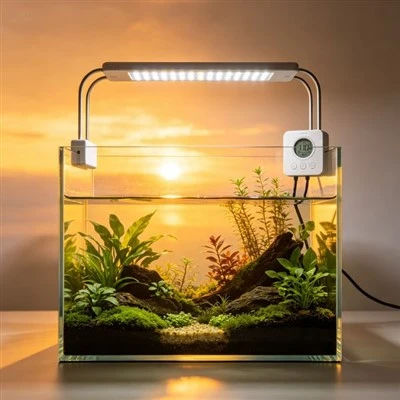
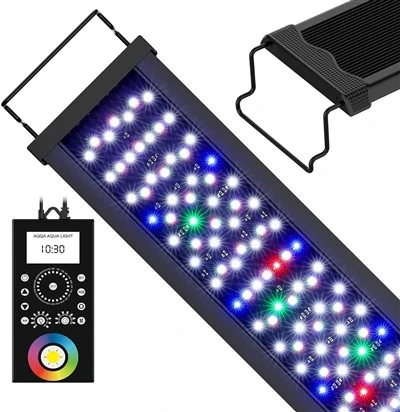
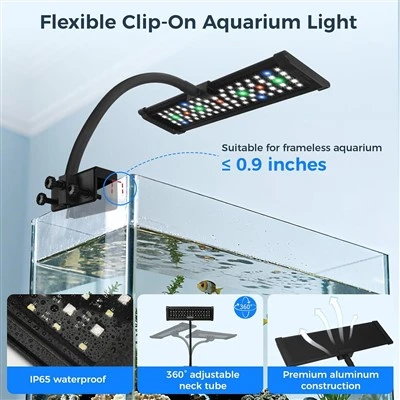
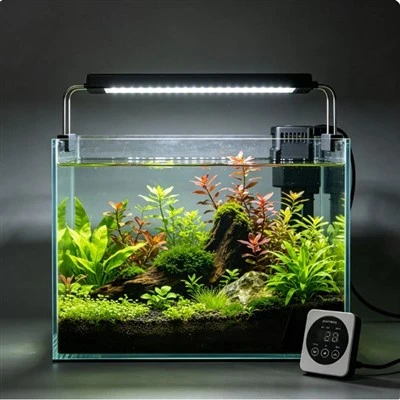
A lighting app can send a message when the controller goes offline, a schedule changes, or another event occurs. Alerts are helpful only when the user understands what happened, how urgent it is, and what action to take. If every routine transition produces a notification, people begin swiping them away. That is alarm fatigue: too many low-value messages make the important one harder to notice. A good setup separates status, warning, and critical events, assigns each a response, and keeps local verification available.
List every alert the system can generate. Record its exact wording, trigger, repeat frequency, recipients, timestamp, and whether it depends on internet or cloud service. Group ordinary information, such as a planned sunset completing, separately from events that may require attention. Do not label everything "critical." A controller being offline could mean power loss, router failure, phone account trouble, server interruption, or a device issue. The notification reports a communication state; it does not prove the lamp or aquarium is safe or unsafe.
Write a response beside each important alert. For an offline message, the first step might be checking a local status indicator or asking someone at home to verify power safely. For an unexpected schedule change, compare the programmed event history and physical light state. The response should avoid wet-hand electrical work and should name when qualified support is needed. If nobody can state what to do, the alert is not operationally complete, regardless of how quickly the phone vibrates.
Control repetition. A single offline notice with a timestamp, followed by a clearly timed reminder or restoration notice, preserves the moment the problem began. Dozens of identical messages add little evidence and can hide other warnings. Use app settings to group or silence routine events while retaining meaningful faults. Do not disable all notifications after one noisy evening. Adjust one category, test it safely, and review whether the result matches the written response plan.
Household recipients need defined roles. Sending every message to five people may cause each to assume someone else responded. Assign a primary person and a backup, with an escalation rule for travel or absence. Consider time zones and quiet hours without suppressing genuinely urgent events. Remove old accounts and phones when responsibility changes. Notification access should follow the product's supported account and security process rather than shared passwords written on the aquarium stand.
Test alerts during commissioning without creating a dangerous condition. Use the manufacturer's simulation, diagnostic, or safe connection method if available. Confirm the message text, timestamp, recipients, history, and restoration signal. Do not unplug life-support equipment or introduce water near electronics simply to trigger a lamp warning. After a power-interruption test allowed by the instructions, verify the light's clock and schedule as well as the app; receiving a message does not prove that recovery settings are correct.
Event history provides context when it is readable. An entry should identify the device, event, local time, and state change rather than show an unexplained code. Export or capture relevant history before resetting a controller. Compare it with household events such as router restarts or an outage. A gap in cloud records may reflect lost communication rather than uninterrupted operation. Local observations and, where suitable, independent electrical monitoring can support the investigation without turning the app into a diagnostic authority it does not have.
Priorities should match consequences, not marketing language. A failed decorative colour transition is different from an inability to switch off an unexpectedly energized fixture. The product should provide a local safe shutdown regardless of notification delivery. If equipment is damaged, wet where it should remain dry, unusually hot, smoking, or emitting a burning smell, act on the physical hazard and isolate it safely; do not wait for the app to confirm the condition. Qualified support should assess serious faults.
Review the configuration after firmware updates, daylight-saving or time-zone changes, router replacement, and transfer to a new household member. Test that quiet hours, priority categories, and schedules still match the plan. Delete redundant rules that send the same event through several automation services. A simple configuration is easier to audit. Document the app version and device name so customer support can understand which notification system produced a screenshot.
Product design can reduce fatigue through configurable severity, meaningful timestamps, state-restored notices, rate limiting, event history, and clear local indicators. Sales material should explain what an alert actually detects. "Know your aquarium is safe" is too broad for a light-controller message. "Receive an alert when the controller loses its cloud connection," when accurate, gives the buyer a testable expectation and leaves room for local verification.
The best alert system is quiet during ordinary operation and unmistakable when a real response is required. Each message has an owner, a reason, and a next action. The light remains locally controllable when the phone is unavailable, and repeated noise never becomes the normal background. Smart notifications then serve as useful prompts rather than as a substitute for inspecting the aquarium, understanding the equipment, and responding safely.
Schedule a small alert audit every few months. Review how many messages arrived, which led to action, which were duplicates, and whether any important event lacked a clear notification. Check that former caregivers no longer receive alerts and that backups still have access. Use the record to change thresholds or repetition only within supported settings. The aim is not zero messages; it is a signal stream whose volume matches its meaning. If users routinely dismiss a category, either improve its wording and response or demote it from interruption to history. This maintenance treats notification design as part of operations, not as a feature configured once and forgotten. Finish the audit by testing the local shutdown and status display. Cloud messaging is useful only when the equipment remains understandable without it.