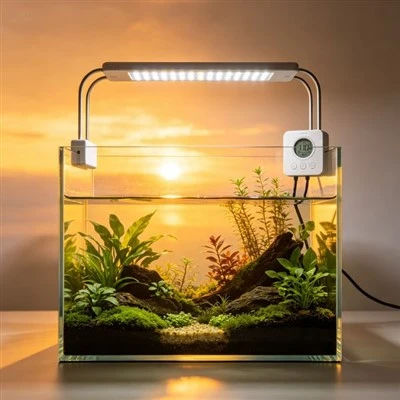
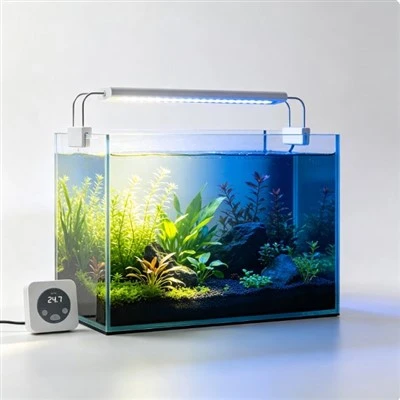
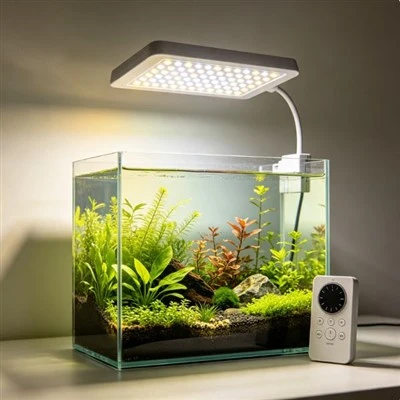
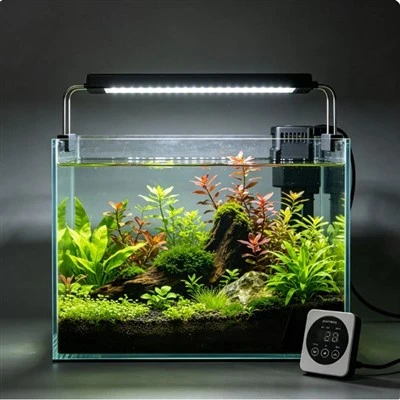
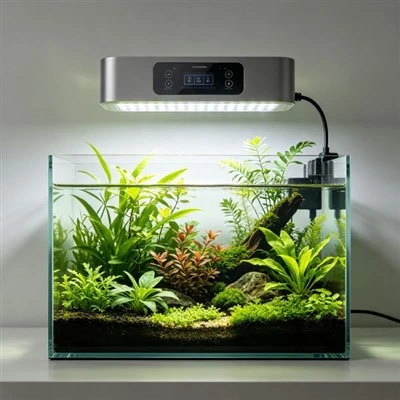
A wireless aquarium-light controller may pair perfectly on a table and then lose connection when mounted inside a metal stand. The device did not necessarily change; the radio path did. Metal panels can reflect or block radio energy, aquarium water can affect the path, and antenna orientation, distance, neighbouring networks, and cabinet geometry all contribute. Installation should therefore be tested in the final room, with doors, cables, water, and equipment in their normal positions. A strong signal beside the tank is not proof of reliable control behind it.
Identify the radio system rather than calling every link "Wi-Fi." Record whether the product uses Wi-Fi, Bluetooth, a proprietary hub, or another technology; note its supported band, controller position, phone or hub position, firmware, and local-control fallback. Follow the manufacturer's network requirements. Do not assume a method that works through one material will behave the same through another, and do not publish a universal range measured in an empty hall as though it applies inside every aquarium cabinet.
Map the intended path from controller to phone, router, or hub. Include the tank, metal frame, doors, shelves, power supplies, pumps, and large water volume. Test the normal operating positions first. Then change one physical factor at a time, such as opening the cabinet door or moving the hub within its approved placement. Record connection, delay, command success, and the time of test. This simple map often reveals a repeatable dead zone without any need to open the controller.
An open-door comparison can be especially informative. Suppose commands fail when the metal cabinet is closed but return whenever the door opens. The door changes the surrounding radio geometry, so the result supports a path problem. It does not prove the controller has a weak transmitter or that cutting a hole will solve it. The approved response may be relocating the controller, hub, or router, or using a supported wired or local option. Cabinet modification needs structural and electrical consideration.
Antenna orientation can matter even when the antenna is hidden inside the enclosure. Keep the controller in the orientation specified by the supplier and avoid pressing it flat against a metal sheet unless that placement is approved. Do not drill the housing, attach an unapproved external antenna, peel off shielding, or extend radio cables. These actions can damage sealing, compliance, and electrical safety. If flexible approved placement is important, plan a dry mounting point before all plumbing fills the cabinet.
Interference should be approached methodically. Record nearby routers, wireless pumps, smart plugs, microwave use, and busy times without assuming that one is the cause. Test at matched times and use network diagnostics supported by the relevant product. Do not shut down essential aquarium equipment for an extended radio experiment. A temporary improvement after another device is turned off is a clue, not a complete diagnosis; channel selection or network design may require appropriate technical support.
Water and reflections can make the useful route unintuitive. A controller only a short straight distance from the router may sit behind the aquarium and several metal braces, while a slightly more distant side location has a clearer path. Test locations within the permitted cable length, mounting, ventilation, and moisture limits. Do not move the controller onto the tank lid to obtain signal. Better reception cannot justify placing ordinary electronics in spray or condensation.
Local operation must remain possible for important actions. The user should be able to turn the light off safely and identify its current state even when the app or network is unavailable. Test the physical control and document what happens to the schedule during an outage. If clock or programs reside only in the cloud, the product information should say so. Wireless access is a convenience and monitoring path, not a guarantee that the light or aquarium is safe.
Keep a concise fault log: date, location, door position, phone or hub, command, response, signal information if available, and any recent network change. Avoid repeated random resets, which erase evidence and may change the schedule. Follow the official pairing and recovery sequence, and record firmware updates. If the product overheats, becomes damaged or wet where prohibited, smokes, or emits a burning smell, isolate it safely; a radio problem does not excuse continued electrical use.
Good wireless product documentation names the technology, network requirements, supported distance test conditions, mounting restrictions, firmware process, offline behaviour, and local controls. Flexible approved controller placement can be more valuable than a larger unqualified range claim. A metal stand is not a mysterious enemy; it is part of the physical signal environment. Testing that environment before relying on the app turns intermittent commands into a solvable installation question.
The finished system should work with doors closed, pumps running, and household networks in normal use. Everyone responsible for the tank should know the local fallback, and no controller should be balanced in a wet location simply to maintain a link. If the signal path cannot be made dependable within approved limits, choose a supported alternate control architecture. Reliability in the actual cabinet matters more than perfect performance during pairing on the kitchen table.
Name devices by tank and location rather than leaving several controllers as "Light." This does not improve radio strength, but it prevents a successful command to the wrong aquarium from being mistaken for an intermittent link. Keep the router, hub, controller, and fixture identifiers in the installation record and update them after replacement. When technical support reviews a dead zone, the physical map and correct device names together show which path failed. Clear information shortens troubleshooting without requiring risky hardware modification. Also record the tested door position and controller orientation. These two ordinary details are often lost after cleaning, leaving a once-reliable path impossible to reproduce.