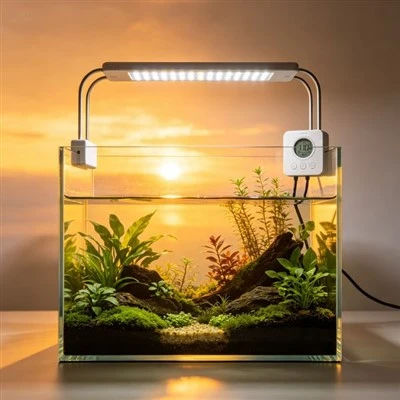
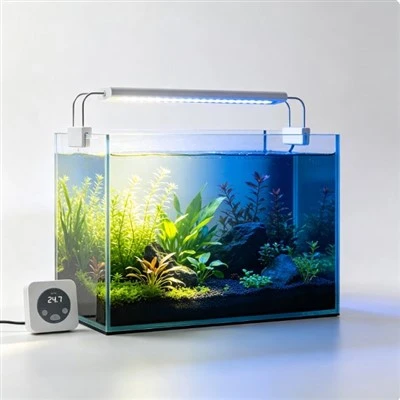
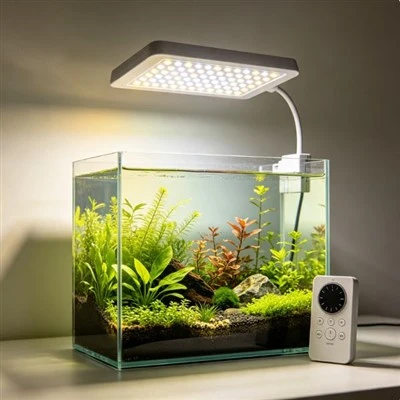
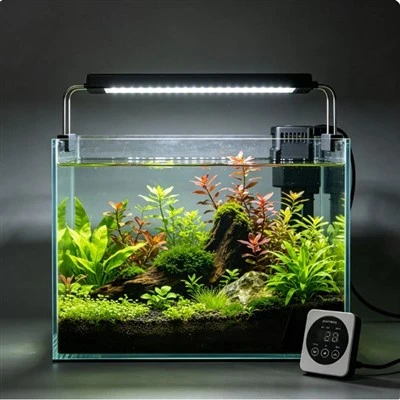
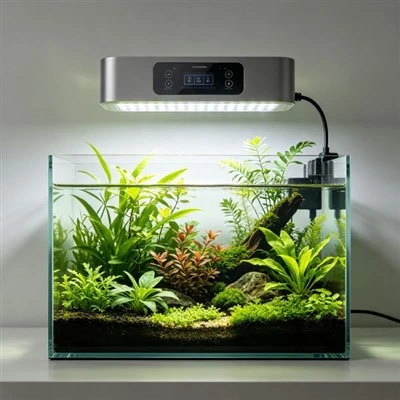
Touch controls are appealing near an aquarium because they create a smooth panel with few moving parts. They can also behave unexpectedly when fingers are wet or droplets remain on the surface. A capacitive sensor responds to changes in an electric field, and water can alter how that field is coupled across the panel. Grounding conditions, panel material, sensitivity, touch duration, and firmware filtering may also influence the result. A missed or unintended command is therefore a system symptom to document, not a reason to press harder with a wet hand.
Safety comes before reproduction. Dry hands and the panel using the product's approved method, and do not handle mains plugs, open connectors, or a power supply while wet. If water may have entered an area that must remain dry, stop using the unit and follow the supplier's fault process. Never spray cleaner directly onto touch controls. Apply it to an approved cloth away from energized equipment if the instructions permit. Smooth glass or plastic does not automatically mean the controller is sealed for wet operation.
Create a baseline with the panel clean, dry, and installed normally. Record the controller model, firmware version, power supply, grounding arrangement as documented, active program, and exact command being tested. Tap each area with a normal dry finger for the stated duration. Note whether the panel gives visual or audible feedback and whether the light actually follows the command. This baseline separates an ordinary mapping or software issue from behaviour that appears only after moisture is introduced accidentally.
Do not deliberately wet a product that is not designed for that exposure. Instead, document naturally observed incidents: damp fingertip, condensation, a narrow water trail, or residue after cleaning. Photograph the panel only after making the area electrically safe. Record which touch zones were affected and whether the problem was a missed tap, repeated tap, or neighbouring command. A thin trail crossing two sensor regions can explain why both seem unstable, but it does not prove an internal defect without further approved testing.
Ground reference and installation can matter. A controller may behave differently in a hand, on a wooden shelf, or attached to a metal stand because the surrounding electrical environment changes. Test only the mounting positions allowed by the manufacturer and keep cables and supplies unchanged. Do not add an earth connection, foil backing, or metal plate to "improve sensitivity." Electrical modifications belong to the product designer or a qualified technician, not to an aquarium owner troubleshooting beside water.
Firmware filtering determines how the controller interprets duration, repeated contact, and changing capacitance. Check the manual for tap, hold, lock, and wake gestures before calling a response accidental. If an official firmware update addresses touch behaviour, follow the supported update and rollback process with the correct model. Do not install an unrelated file or change hidden calibration values. Record the before-and-after version and repeat the same dry baseline, since a new interface timing can feel like a sensor fault.
A practical example occurs after feeding. The user rinses a hand, taps the panel, and sees two settings change. Later, with the hand and panel dry, each control works separately. The user records the state, dries the area, uses the documented physical or app fallback, and keeps the controller out of the splash route. This establishes a moisture-related operating condition worth reporting. It does not prove that every wet touch will produce the same command or that the product is safe to operate wet.
An alternate control helps only when it remains accessible and clear. A physical button, supported remote, or local manual switch may allow the normal schedule to continue while the touch issue is reviewed. Essential safe shutdown should not depend on a phone connection. Label the fallback for other household members and verify what it does after a power interruption. Avoid repeatedly cycling the mains supply as a control method unless the manufacturer specifies that behaviour; it may reset the clock or program.
Residue can imitate moisture. Salt, mineral film, hand lotion, or cleaner may leave a conductive or insulating path on the panel. Disconnect as instructed and use only the approved cleaning process. Inspect the edges and cable entry for deposits without opening the housing. If the problem returns at the same location, provide photographs, installation details, and the exact cleaning material to support. Abrasive pads and solvents can damage a coating and make the interface less predictable.
Product designers can reduce confusion through suitable sealing for the stated environment, guarded placement, tuned sensing, debounce and water-rejection logic, clear feedback, and a practical manual fallback. Those features must be validated for the actual enclosure and firmware; they should not be advertised as universal wet-hand operation. Documentation should state whether the panel is intended for dry fingers, how to clean it, and what to do after a misread.
The owner's best routine is uncomplicated: keep hands and controls dry, place the panel outside droplet paths, use consistent gestures, and write down repeatable faults. Equipment that is damaged, wet internally or in a prohibited area, smoking, unusually hot, or emitting a burning smell should be isolated safely and referred to qualified support. A touch interface can remain convenient around an aquarium when moisture is treated as a real input condition rather than as an invitation to keep tapping until something happens.
A useful support report includes a short dry-hand video, controller and firmware identifiers, the normal mounting surface, power supply, command sequence, and description of any naturally occurring moisture or residue. State whether the alternate control worked and whether the schedule remained correct. This evidence gives engineers a repeatable starting point without asking the owner to expose the panel to more water. It also distinguishes interface behaviour from a separate lamp-output problem.